NewComing soon to iPhone
The baby tracker for sleep.
Log in a tap or two, then see your baby’s rhythm across the week.
- Sleep
- Feeds
- Pumping
- Solids
- Diapers
Free to downloadImports from Huckleberry and Nara BabyWe never sell your data
Lily · Sleeping
1:04:18
Right side next
Last feed 2h 14m ago
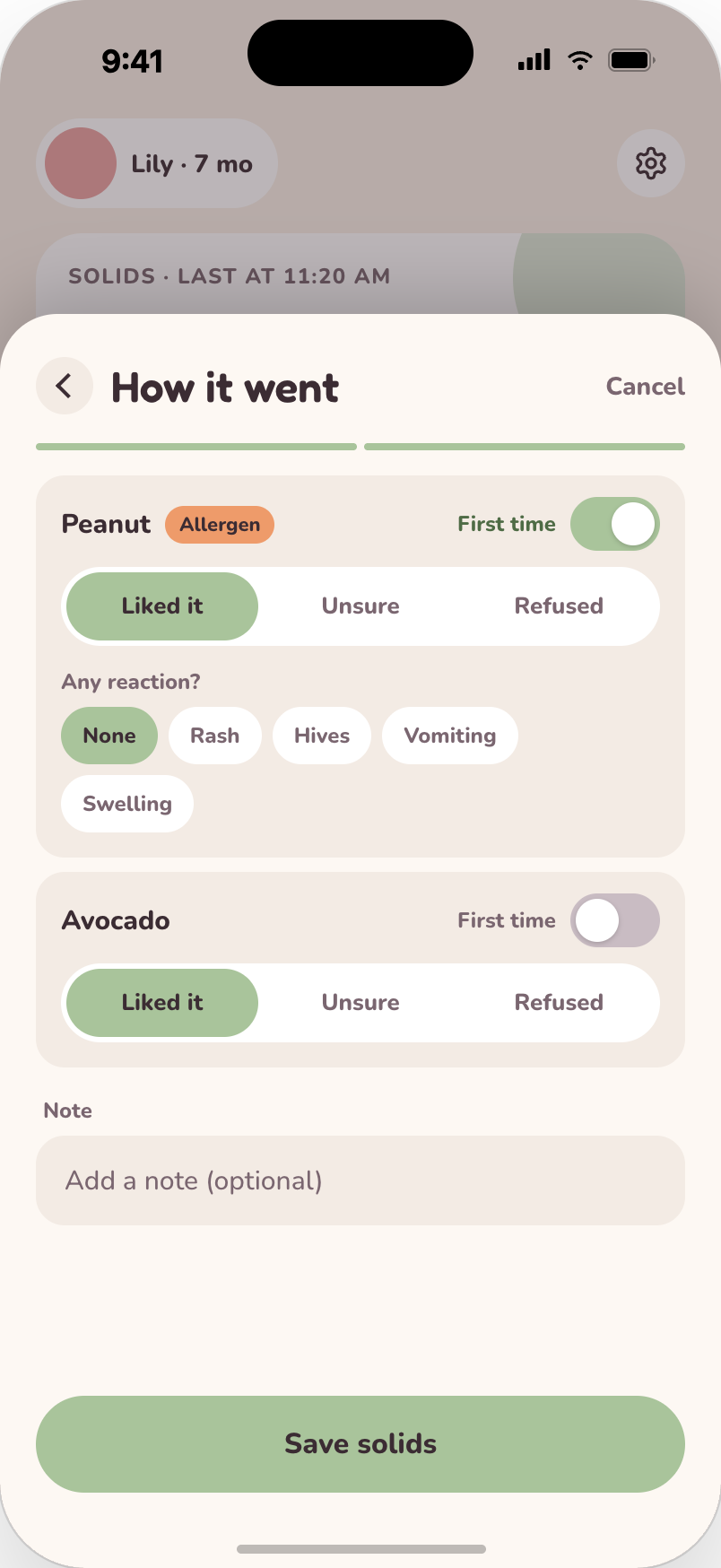
Avocado · Liked it
First time trying it

Sleep
Feeds
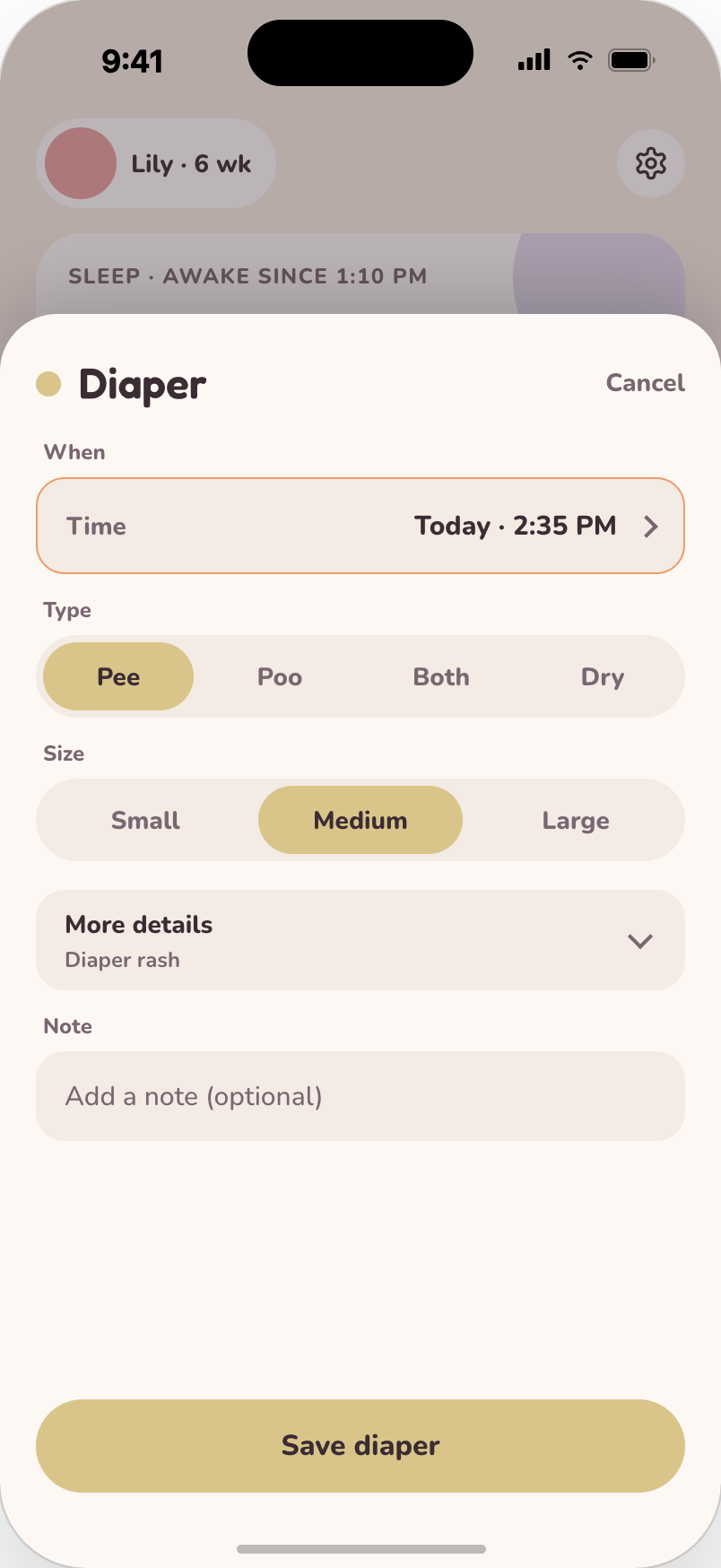
Diapers
Pumping
Solids
Ask
Growth charts
Live Activities
Widgets
Dark mode
Five trackers
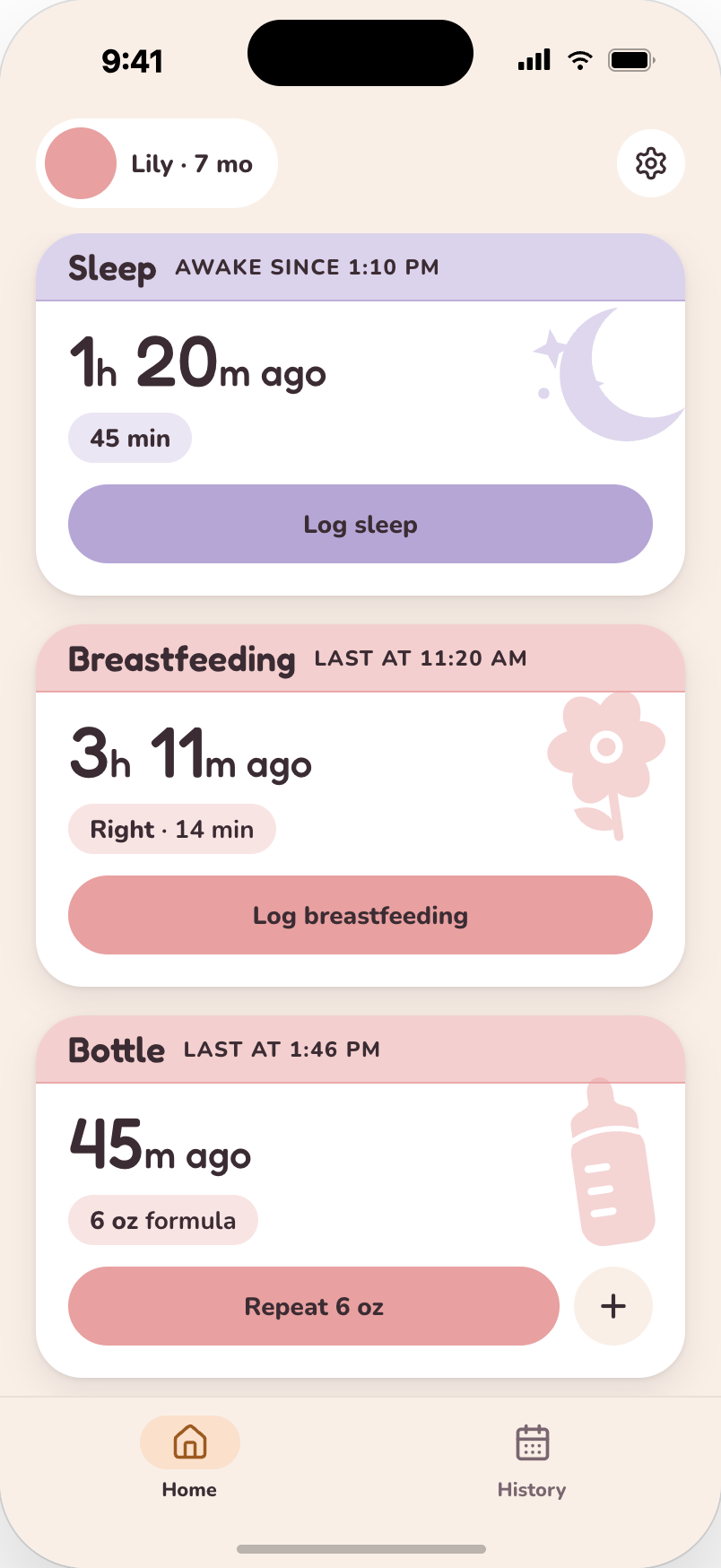
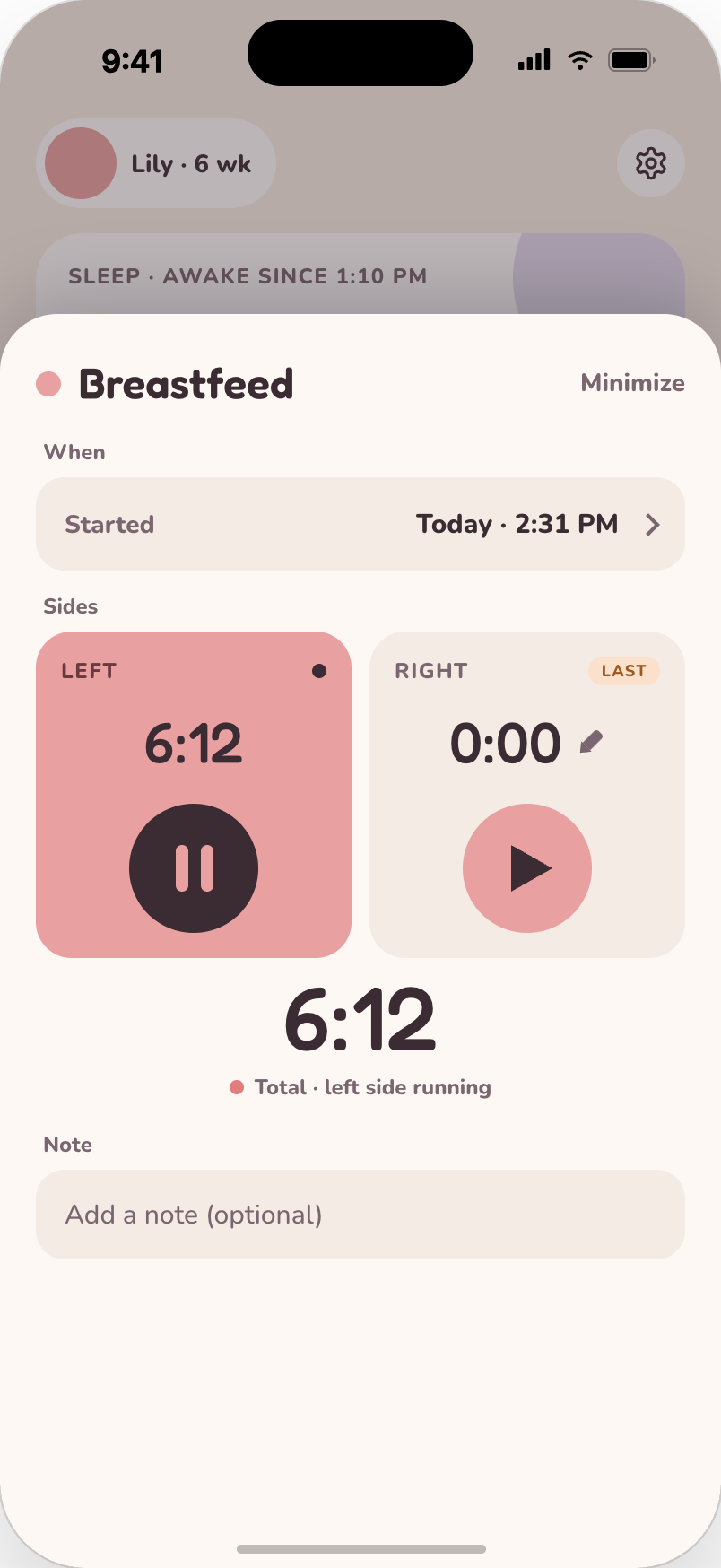
Two taps, then back to the cuddles.
Start a timer as it happens, or fill it in afterwards. Built for one hand, at 3 am, half asleep.
Ask · Drooly Plus
Just ask about your baby’s day.
Chat with Drooly about your baby’s logs in plain words. No scrolling back through History at 3 am.
Answers from your logs. When your baby last ate, how long the nap was, how this week compares.
Log hands-free. Say “fed 15 minutes on the left” and it’s logged, with Undo.
Nap patterns. See when naps usually started this week, straight from their logs.
Not medical advice. Drooly won’t answer medical questions, but it can pull together your logs to share with your pediatrician.
Free for 14 days, no card. Tracking stays free.
When did baby last eat?
At 11:48 AM, breast, 16 min on the left. That’s about 2 hours ago. Last side: left.
Log a wet diaper just now
Diaper · Pee
Logged 2:04 PM · Undo

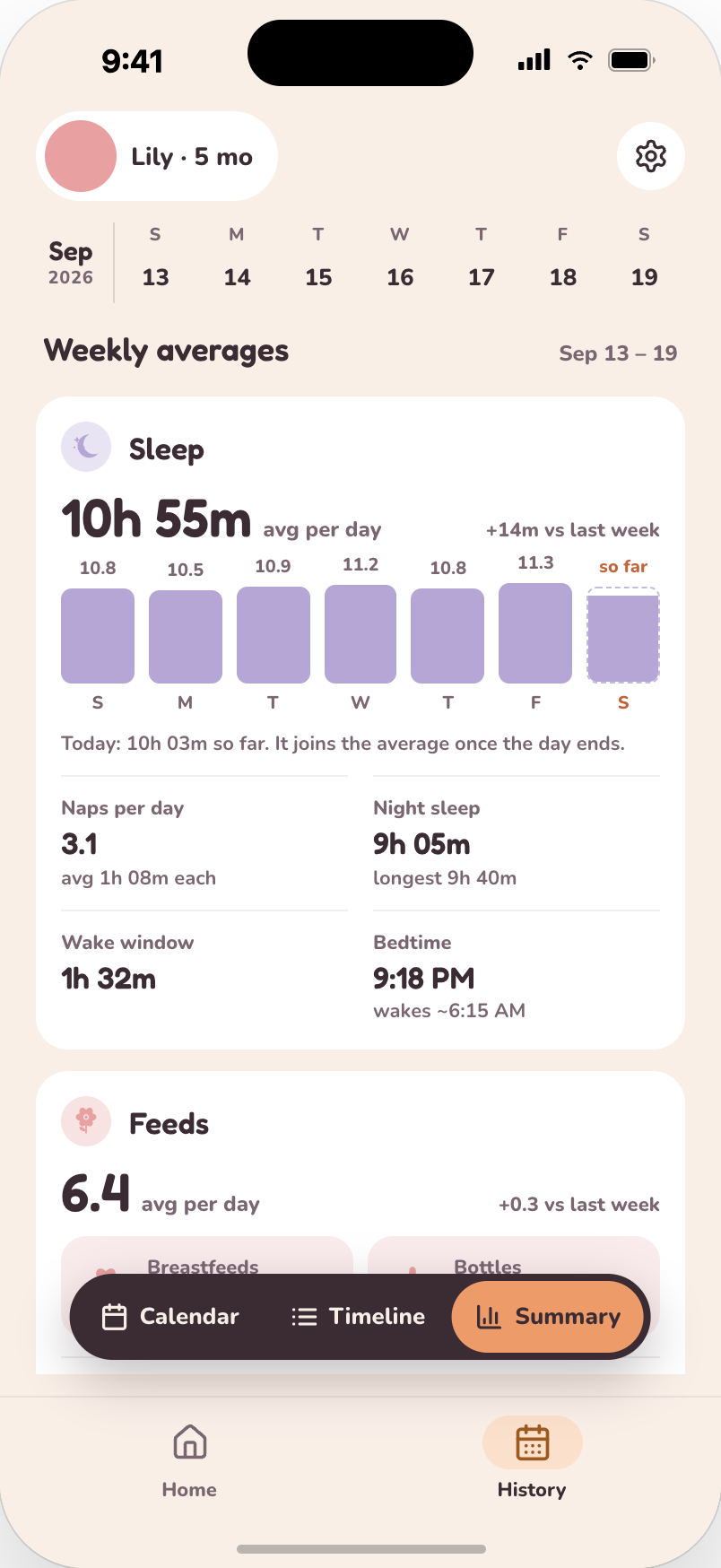
History
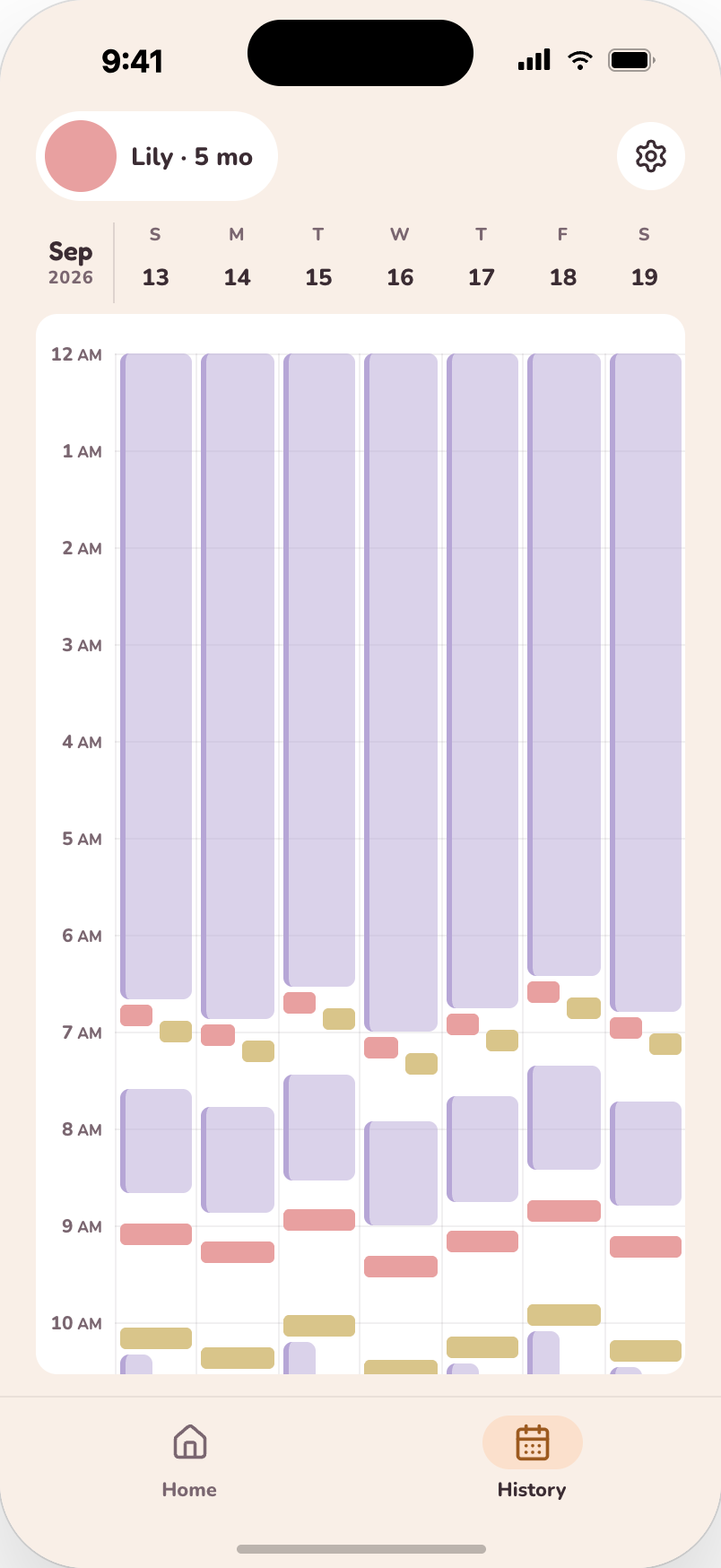
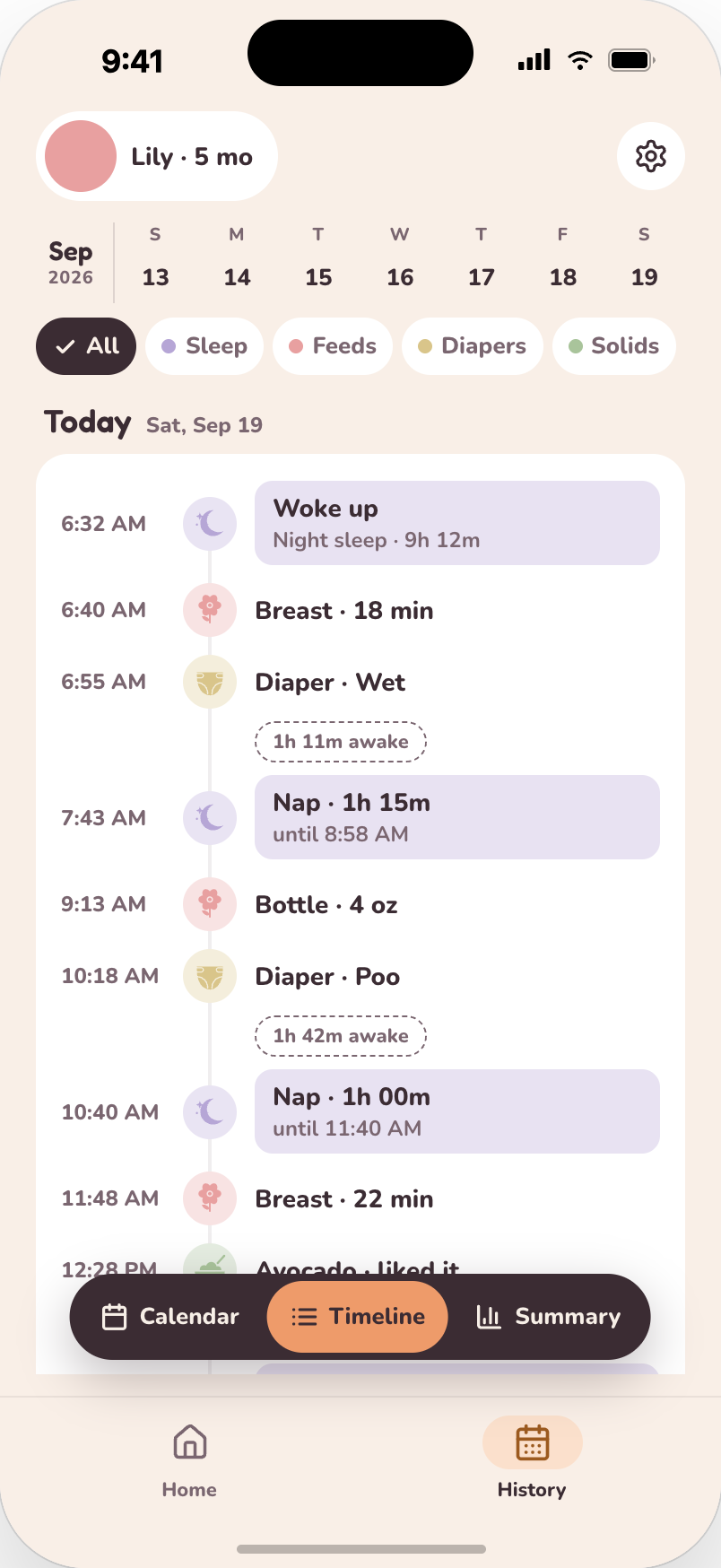
Your instincts, now with receipts.
Every log adds up to a clear view of your baby’s days. Three ways to look at it:
The little things
Thoughtful, all the way down.
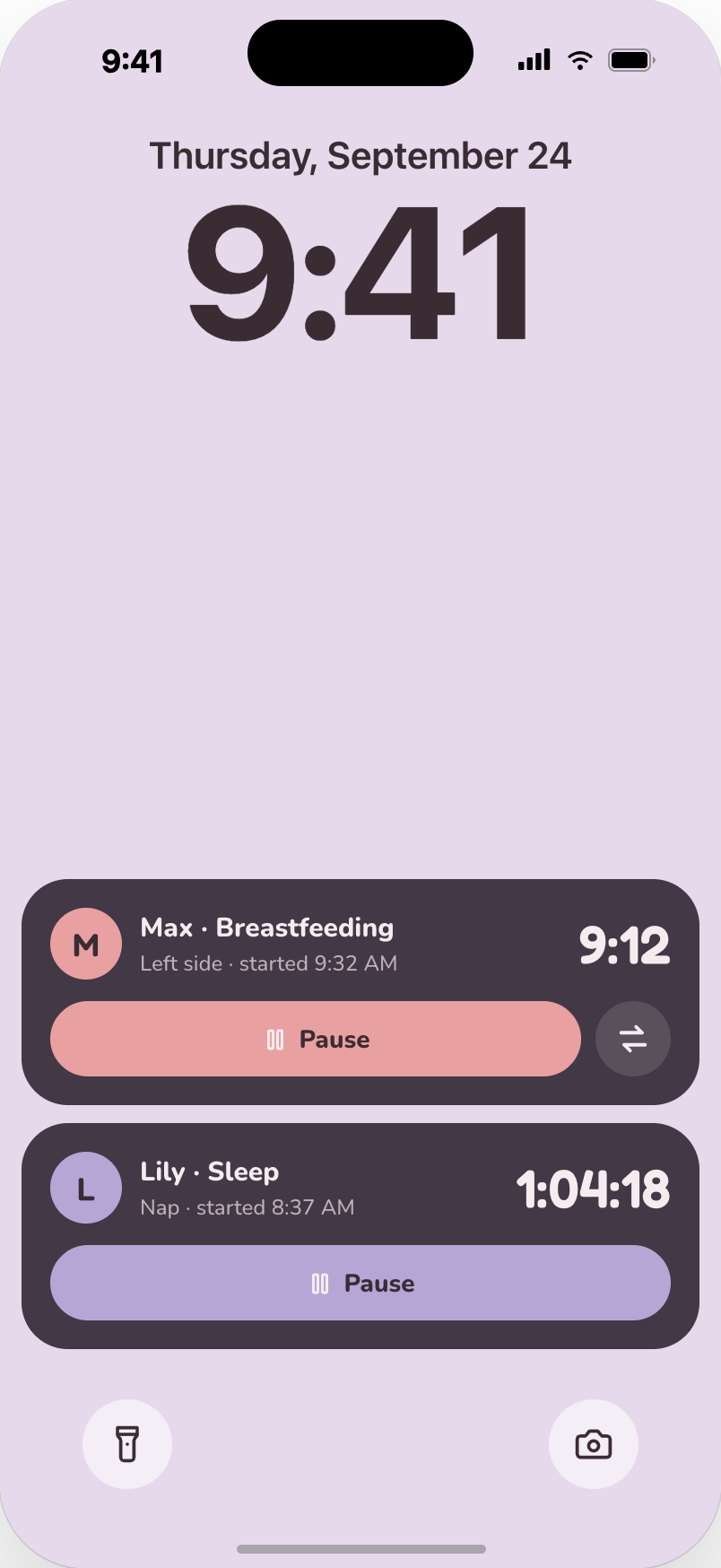
Live Activities
Timers on your Lock Screen and Dynamic Island. Pause without unlocking.
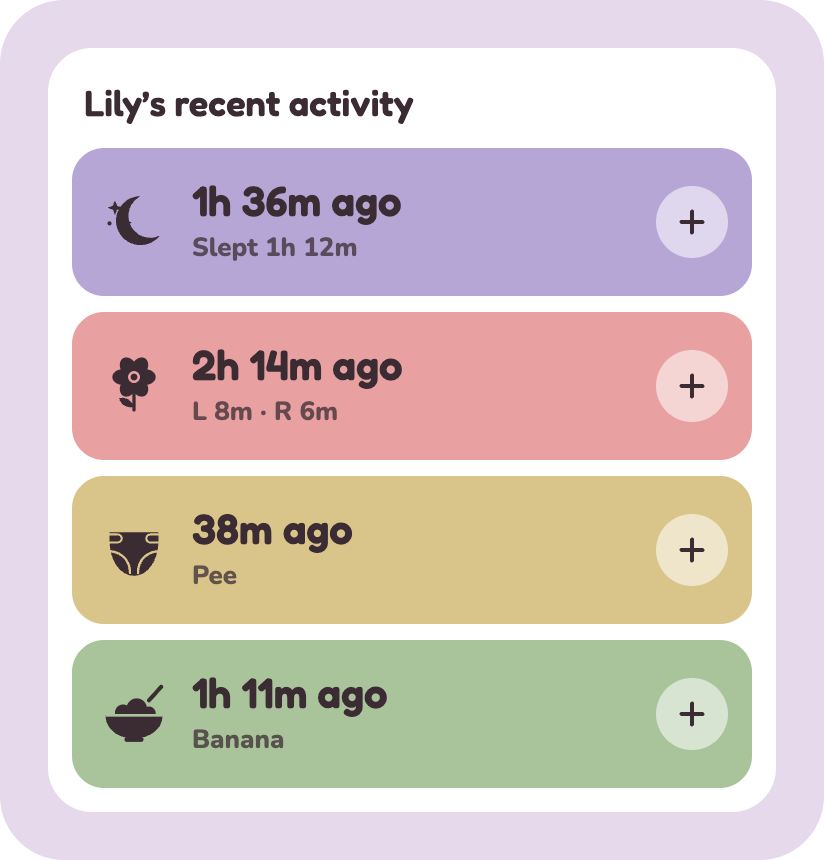
Widgets
How long since the last nap, feed or change, right on your Home Screen.
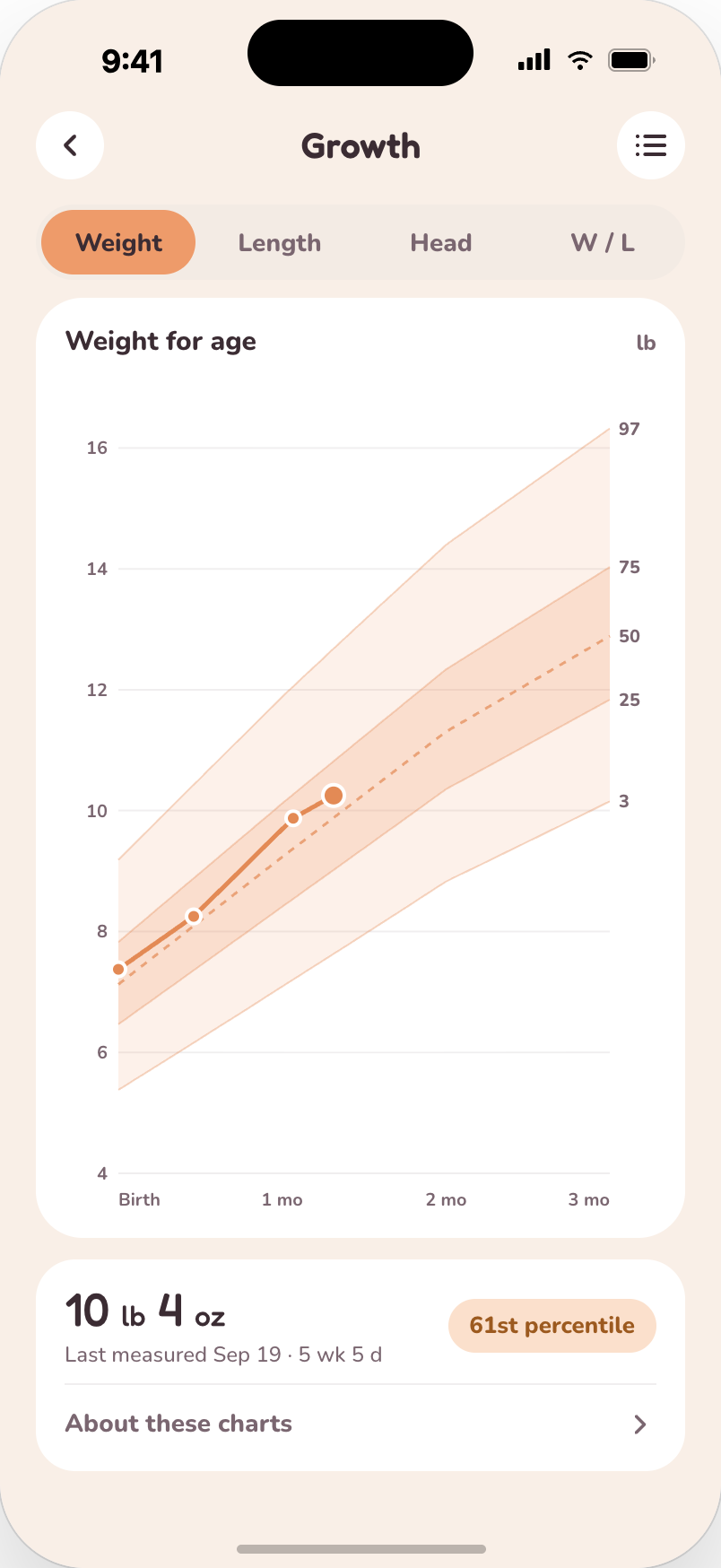
Growth charts
Weight, length and head size on the WHO charts, from birth to 2 years.
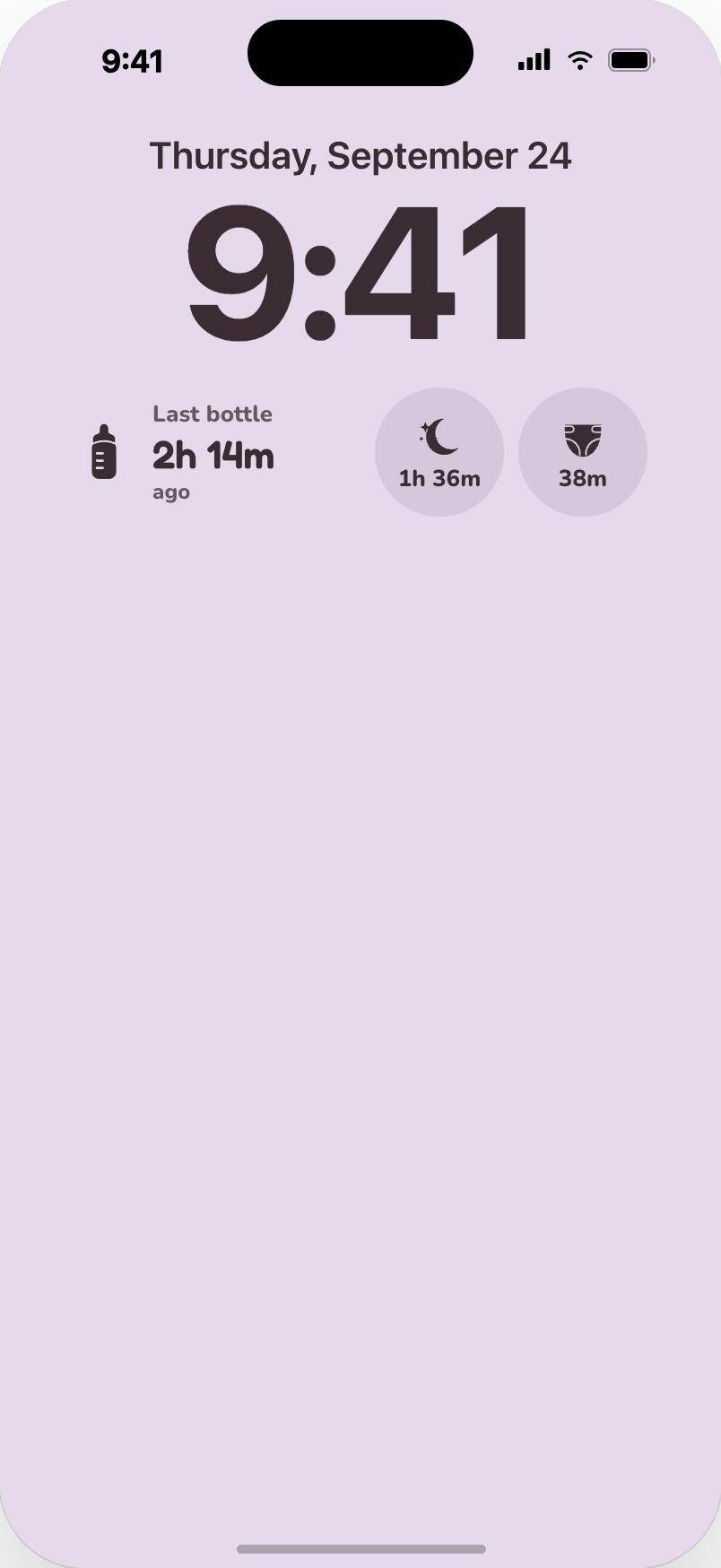
Lock Screen widgets
Time since the last bottle, nap or diaper, right under the clock.
Soft at night
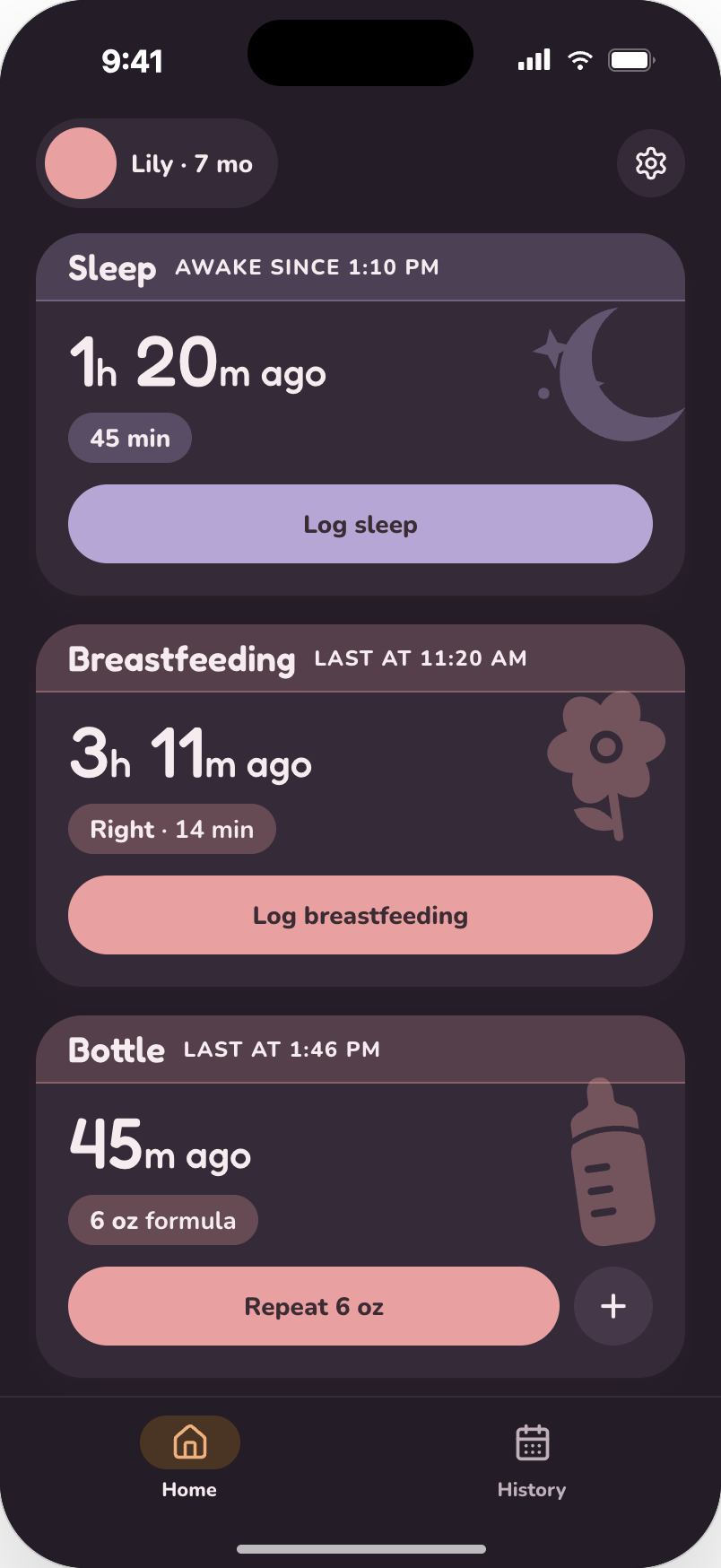
Dark mode that’s easy on tired eyes.

Tiny app.
More photos.
Drooly takes up hardly any space, so your phone has room for every first.
Baby photosDrooly
More than one baby
Room for every little one.
Twins, siblings, or a newborn with a toddler at home. Add each baby to Drooly and switch between them whenever you need.
Their own logs. Every baby keeps their own history, summary and growth charts.
Switch in seconds. Tap the name on their profile and pick who you’re logging for.
Add a baby any time. Just a name and a birth date to get started.
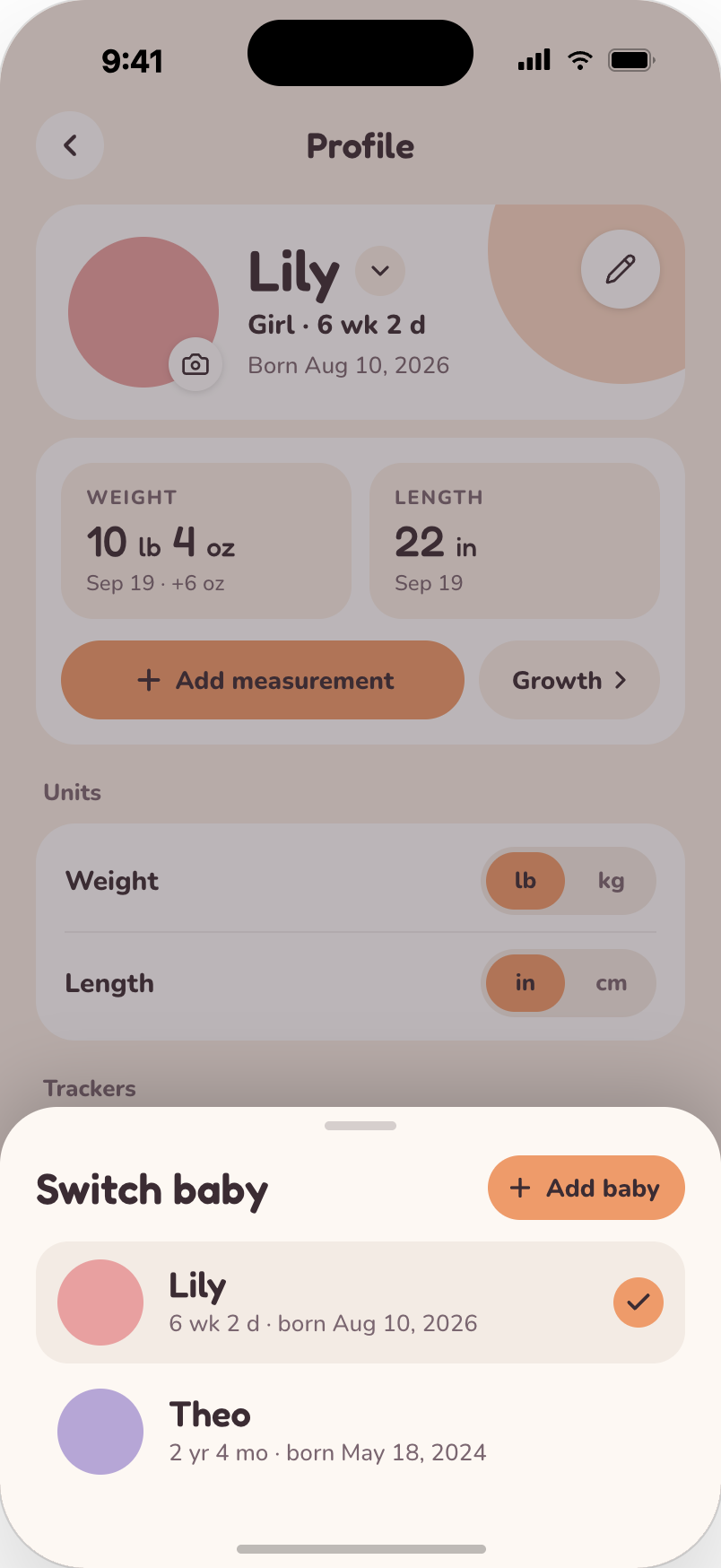
Lily
6 wk
Theo
2 yr 4 mo
Switching apps?
Bring your history with you.
Already tracking with Huckleberry or Nara Baby? Bring every log over in a few taps. Nothing lost, nothing to retype.
Huckleberry
Nara Baby
1
Export from your old app
Save a CSV from Huckleberry or Nara Baby.
2
Choose it in Drooly
Profile, then Import data. Pick the file.
3
Review, then import
See every sleep, feed and diaper before anything is added.
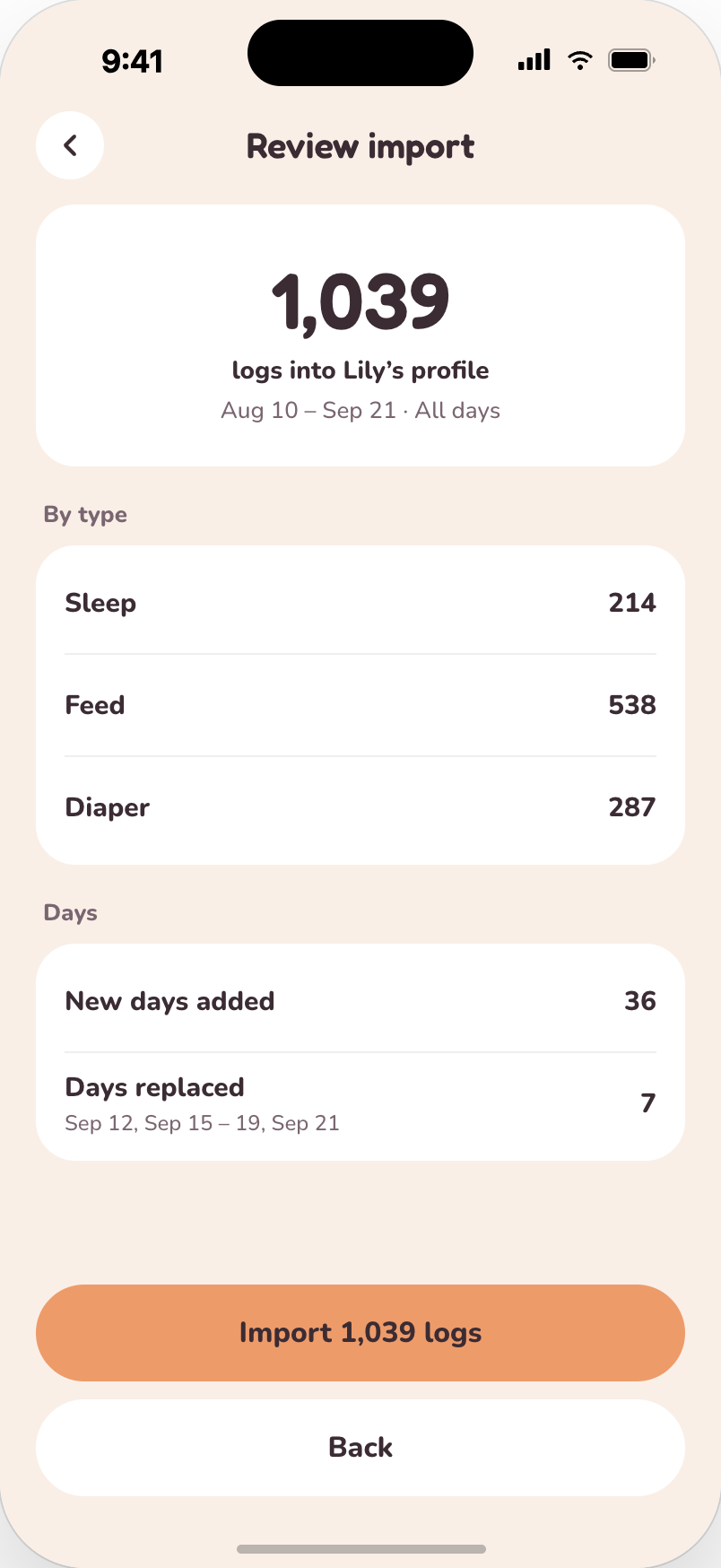

1,039 logs
brought over in one go
Privacy
Your baby’s data stays yours.
Sleep, feeds, pumping and diapers are nobody’s business but yours.
We never sell your data
Not to advertisers. Not to anyone.
Export everything
Every log, any time, as a CSV you keep.
Delete it all
Gone for good, whenever you choose.

Questions, answered.
Soon, on iPhone. Join the waitlist and we’ll email you the day it’s out.
Yes. Drooly is free to download, and logging, History and Summary stay free. Ask is part of Drooly Plus, with a free 14-day trial.
Yes. Time each side, or both at once, and add amounts when you’re done. Summary shows how much you pumped each day and the left and right split.
A chat about your baby’s day, using your logs. Ask when your baby last ate or how naps went this week, or log a feed by voice with your hands full. It doesn’t give medical advice.
Yes. Export a CSV from Huckleberry or Nara Baby, choose it in Drooly, and you’ll see a summary of everything before it’s added.
Not at launch. Drooly is iPhone only for now.
We never sell it. You can export every log as a CSV, or delete it all, whenever you like.

Be the first to try Drooly.
Waitlist parents get it first. One email the day we launch, nothing else.
iPhone only at launch.